Instagram content calendar: a template you can fill in one afternoon
Four pillars, a weekly cadence you can actually hold, and a batching afternoon that fills the next 30 days of the grid.
Key takeaways
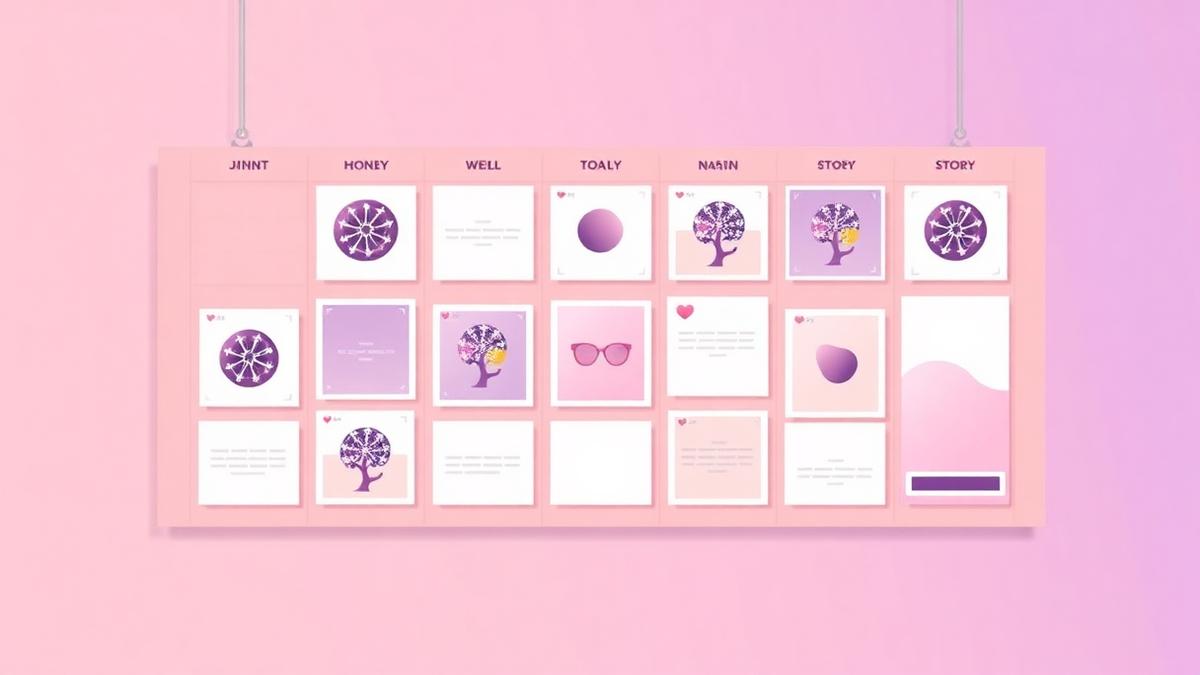
- Four pillars beat endless ideas — rotate them so no week repeats itself.
- Pick a cadence you can hold on your worst week, not your best.
- Plan formats, not just topics: reels reach, carousels save, stories convert.
- Batch once a week; schedule the whole month; keep two slots free for trends.
Start with four pillars, not a list of ideas
Idea lists run out. Pillars do not, because each one generates new posts every month. Four is the right number: enough variety for a month, few enough to remember.
Choose pillars that map to how people buy from you: something that teaches, something that proves, something that sells, something that shows the human behind it.
- Teach — how-to, mistakes, breakdowns
- Prove — results, before/after, client stories
- Sell — offer, pricing, availability, FAQ
- Human — process, opinions, behind the scenes
Choose a cadence you can hold in a bad week
Consistency compounds; bursts do not. Three posts a week for six months outperforms daily posting for three weeks followed by silence, because the account never resets its momentum.
- Starting out: 3 posts a week + stories on 3 days
- Growing: 4–5 posts a week + stories most days
- Team or agency: daily, with two reels minimum
Plan formats deliberately
Each format does a different job, so a calendar of only reels grows an audience that never converts, and a calendar of only carousels never reaches anyone new.
- Reels — reach and new followers
- Carousels — saves, authority and search-friendly depth
- Single images — announcements and quick proof
- Stories — conversion, polls, DM prompts
The one-afternoon batching workflow
Batching works because it separates modes. Ideating, filming, editing and captioning use different parts of your brain, and switching between them per post is what makes daily content exhausting.
- 30 min — pick 12 topics, three per pillar
- 60 min — film all reel footage back to back in one outfit
- 45 min — design carousels from one template
- 45 min — write hooks and captions in a single sitting
- 20 min — load everything into the calendar and set keyword triggers
Leave room for the things you cannot plan
A fully booked calendar cannot react. Keep two slots a week empty for trends, news in your niche, and the reply-post to whatever your audience argued about in the comments.
Those unplanned posts are often the month's best performers, because they carry timing the planned ones cannot.
Review monthly with three questions
A calendar without review becomes a treadmill. At month end, spend twenty minutes on three questions and let the answers rewrite next month's plan.
- Which pillar produced the most saves and DMs?
- Which format underperformed twice in a row?
- Which post produced actual enquiries, and can it be remade?
Frequently asked questions
How far ahead should an Instagram content calendar be planned?+
Two to four weeks of scheduled posts with a rough month-two outline. Planning further ahead usually means rewriting, because your best-performing formats change faster than a quarterly plan.
Does posting more often increase reach?+
Only if quality holds. Reach follows saves, shares and watch time per post, so five weak posts typically reach fewer people in total than three strong ones.
Instagram content calendar kaise banaye agar time nahi hai?+
Hafte me ek baar 3 ghante block karo: ek hi din shooting, ek hi baithak me captions, aur pura hafta schedule. Rozana 30 minute kharch karne se yeh workflow kam thakata hai.
Should stories be in the calendar too?+
Plan the recurring ones — poll days, offer days, behind-the-scenes — and improvise the rest. Fully scripted stories tend to feel staged and convert worse than casual ones.
Run this playbook inside Pixalera
Scheduling, Instagram AutoDM, AI Studio and post-to-sale analytics in one workspace — plans from ₹499/month.
Start free