One composer, every network
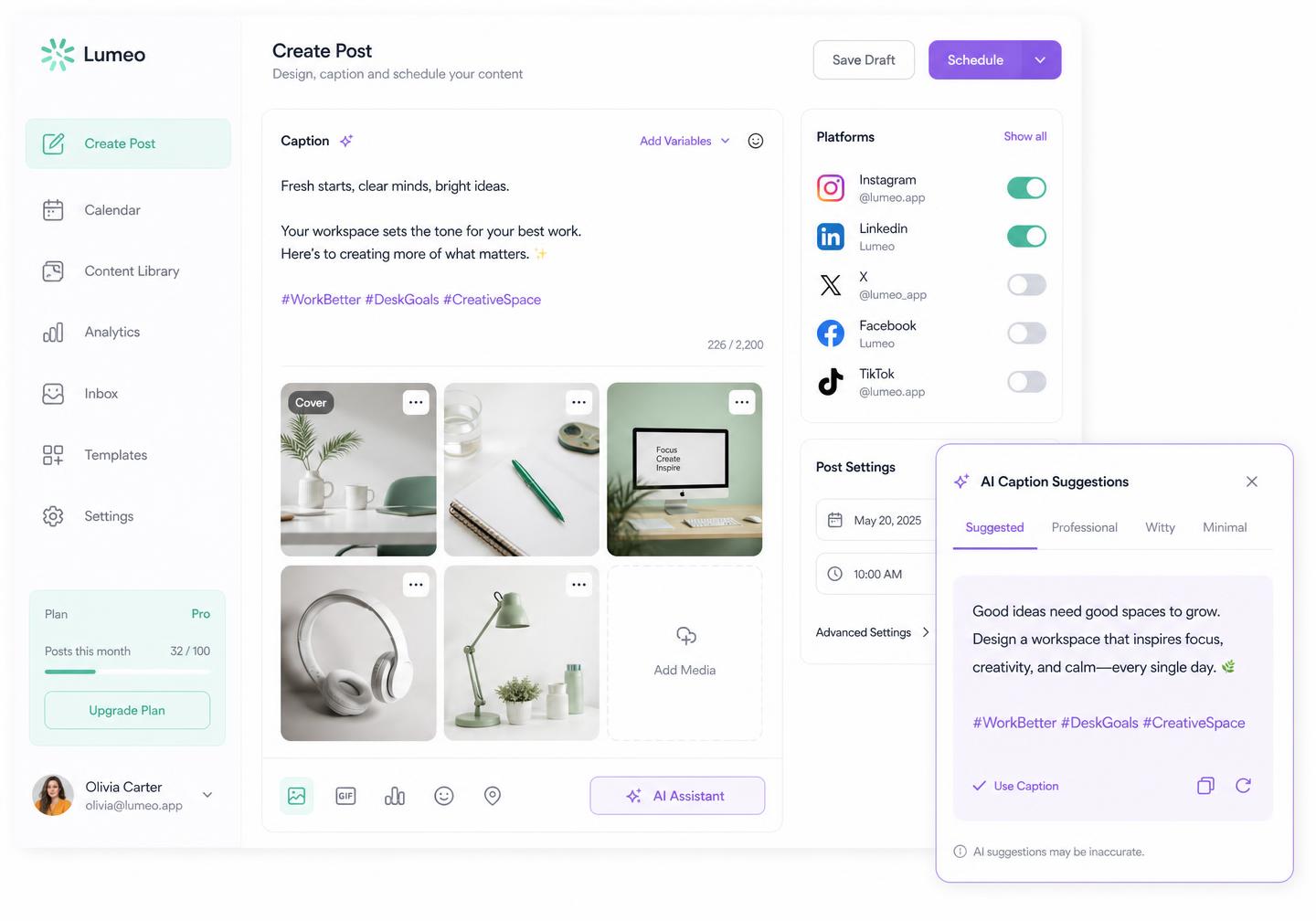
Write once and Pixalera reshapes the caption, hashtags, mentions and link placement for each channel's limits.
Dream up, gather and polish your content ideas in one place. Pixalera Create turns a rough thought into a finished, channel-perfect post — caption, visuals, previews and approvals included.
Free forever plan · No credit card · Set up in under 2 minutes
Why creators draft here
Write once and Pixalera reshapes the caption, hashtags, mentions and link placement for each channel's limits.
Train tone from your best posts, then generate hooks, CTAs and three caption variants in a click.
Crop per aspect ratio, trim reels, add alt text and pull assets straight from your content library.
See the exact feed rendering for each platform, so nothing gets truncated, cropped or mis-formatted.
AI post generator
Give Pixalera a topic and pick a format — caption, reel script, carousel or image post. You get three on-brand variants scored for hook strength, plus hashtags, alt text and a visual suggestion, ready to send to any channel.
"Write a reel caption about my morning routine for creators — friendly, punchy, with hashtags"

AI visual + hashtags attached
#MorningRoutine #CreatorLife · 84 / 2200
Saved to Ideas board
3 more ideas queued from your niche trends this week.
Create
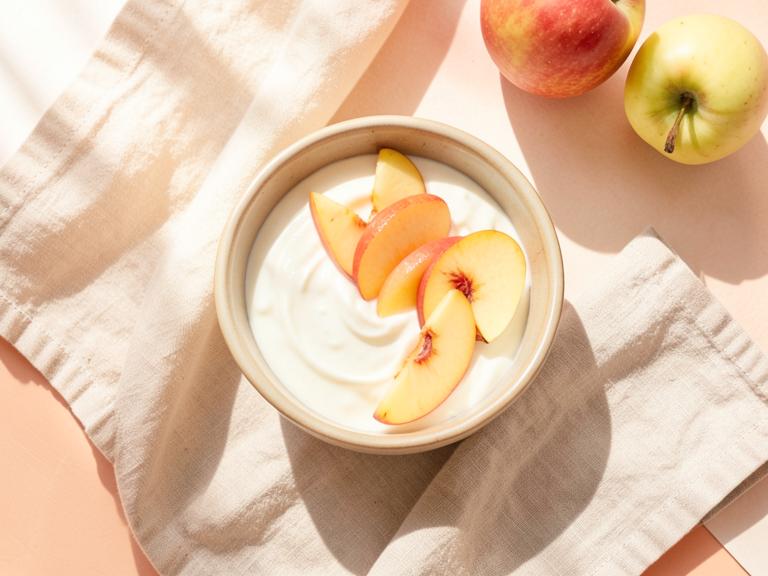
Morning routine styling — 3 shot ideas for reels
Trending
Spring refresh: behind-the-scenes studio flatlay
Evergreen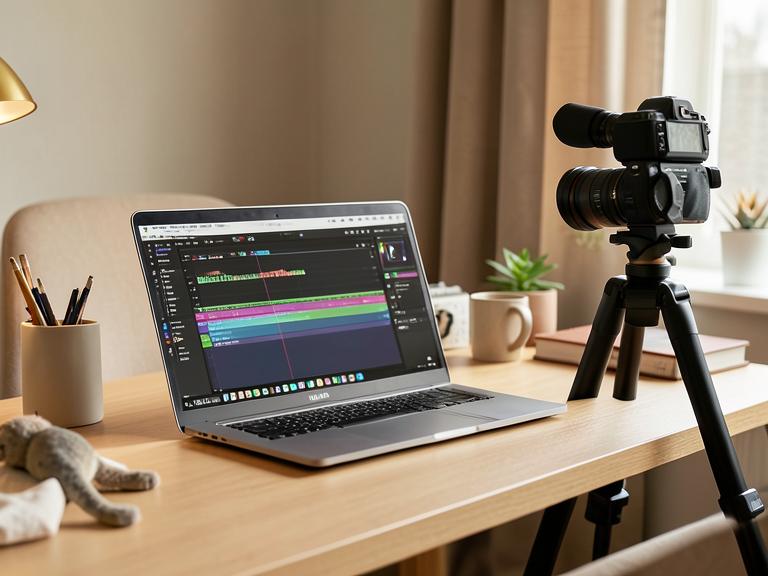
How I batch 20 posts in a day — desk setup tour
ReelGenerate Ideas
What is your business about?
Lifestyle & home decor brand
Target audience?
Women, 22–38, urban creators
Ideas board
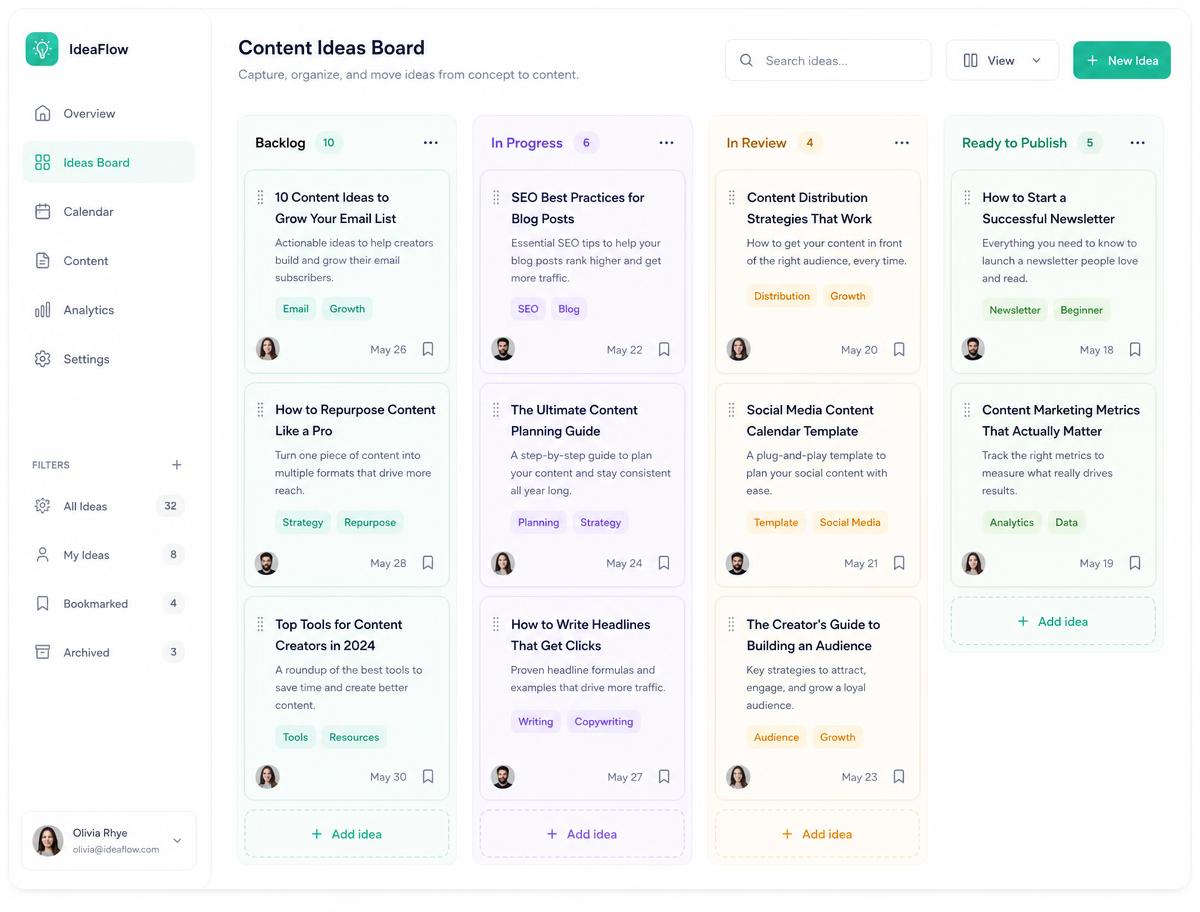
Capture every idea, let AI expand it into captions, scripts and carousels, then move it from idea to scheduled post on one board your whole team can see.
Open ideas boardFrom "doing" to "done"
No more drafts scattered across notes apps, chats and spreadsheets. Every idea moves through the same clear path, so nothing stalls halfway.
Drop ideas from your phone, browser or inbox into the Ideas board. Every note keeps its links, references and mood images.
Pick a template or start blank. AI drafts a hook, body and CTA, then rewrites for shorter, punchier or more formal tone.
Switch tabs to fine-tune each network: first comment on Instagram, thread on X, chapter list on YouTube, doc post on LinkedIn.
Send for review, collect comments in-line, then push straight into the publishing calendar at your best-performing time slot.
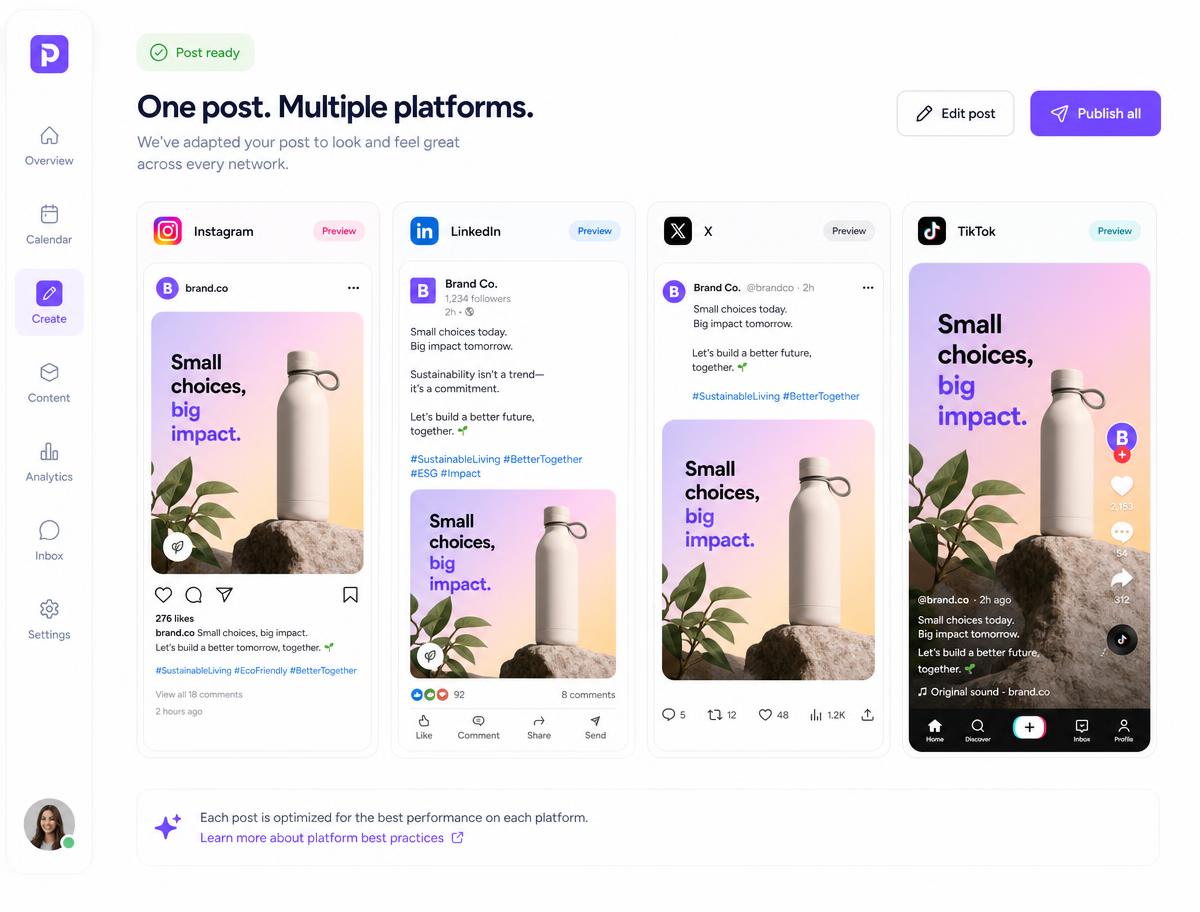
Tailored posts
Each platform rewards something different: a location tag and first comment on Instagram, a hook in the first two lines on LinkedIn, a punchy thread on X, a trending sound on TikTok. Pixalera applies those rules for you and flags anything that will break before you hit publish.
Included on every plan, from solo creator to agency workspace.
Turn a winning reel into a carousel, a thread and a newsletter blurb without rewriting from scratch.
Prompt packs, hooks and proven post templates sorted by niche and objective.
Brand kits keep colours, fonts, hashtags and disclaimers identical across every account.
Yes. Compose the master post once, then open any channel tab to override caption, media, hashtags or link. Untouched channels stay synced with the master automatically.
Pixalera learns from the posts you mark as on-brand and from a short voice brief. Every generation respects those rules, plus banned words and required disclaimers.
Single image, carousel, reel and short video, story, text-only threads, LinkedIn documents and YouTube uploads — each with the correct aspect ratio and length checks.
Add approval steps per workspace. Reviewers comment on the exact draft, request changes and approve without ever touching the connected accounts.
Drafts autosave continuously and sync across web and mobile, with full version history so you can restore an earlier draft anytime.
Publishing works for Instagram, Facebook, YouTube, Threads, Bluesky and Pinterest. Auto-DM and comment automation cover Instagram and Facebook, and the unified inbox also pulls in YouTube comments. LinkedIn, X (Twitter) and TikTok are on the roadmap.
Yes, and it is free forever: 1 connected channel, 3 scheduled posts a month, 25 Auto-DM sends and 10 AI credits — no credit card required. Paid plans start at ₹499/month ($5.22).
UPI, all major debit and credit cards, net banking and wallets, processed securely through Razorpay. Monthly renewals use an AutoPay mandate you can cancel any time.
Yes. Pixalera connects only through the official platform APIs (Meta, YouTube and others) using their own permission screens — never your password — and respects each platform's rate limits, including one automated Instagram DM per person per 24 hours.
Join creators and teams who draft, design and schedule everything from one workspace.
Get started for freeNo credit card required